









Bexley Public Library no longer lends mobile hotspots. We currently offer open wireless network access on-site and public computer use in our technology center.

Download the Mobile Hotspot Guide Here.
- Hotspots are available to Full Access Bexley Public Library card holders only
- Hotspots are loaned for 14 days with no renewals
- Only one hotspot will be loaned per household
- Holds may be placed but hotspots will not be sent to other libraries.
- Hotspots must be returned to Bexley Public Library, in person at the Circulation Desk, NOT in the book drop.
- Newly Registered, Educators, Restricted (minors), branch cards cannot place holds or checkout hotspots.
- Overdue hotspots will be deactivated within 24 hours of the due date.
- Users who repeatedly return hotspots late will lose borrowing privileges for six months.
- The hotspot can provide internet access for up to 10 devices.
- Internet service relies on cell tower technology and coverage, user experience can vary based on location.
- The Library is not responsible for personal information shared over the internet or for information and websites accessed.
- Parents/guardians are responsible for the use of the hotspot by minors.
- Users may not tamper with or attempt to adjust any aspect mobile hotspots without explicit approval from Bexley Public Library. Efforts to bypass the security of the device are strictly prohibited. Users that attempt to change devices may lose their borrowing privileges.
- Unlawful use of the Internet or use that violates the Library’s Internet Use Policy is prohibited and may result in the loss of privileges.
- The user will be responsible for any lost or damaged hotspots and accessories.
- The overdue fine is $1.00 per day.
- Hotspots not returned within 28 days of the due date will be considered lost and the patron will be charged for a replacement.
- The replacement cost for a hotspot unit is $100.
- The replacement cost for a lost charger is $10.
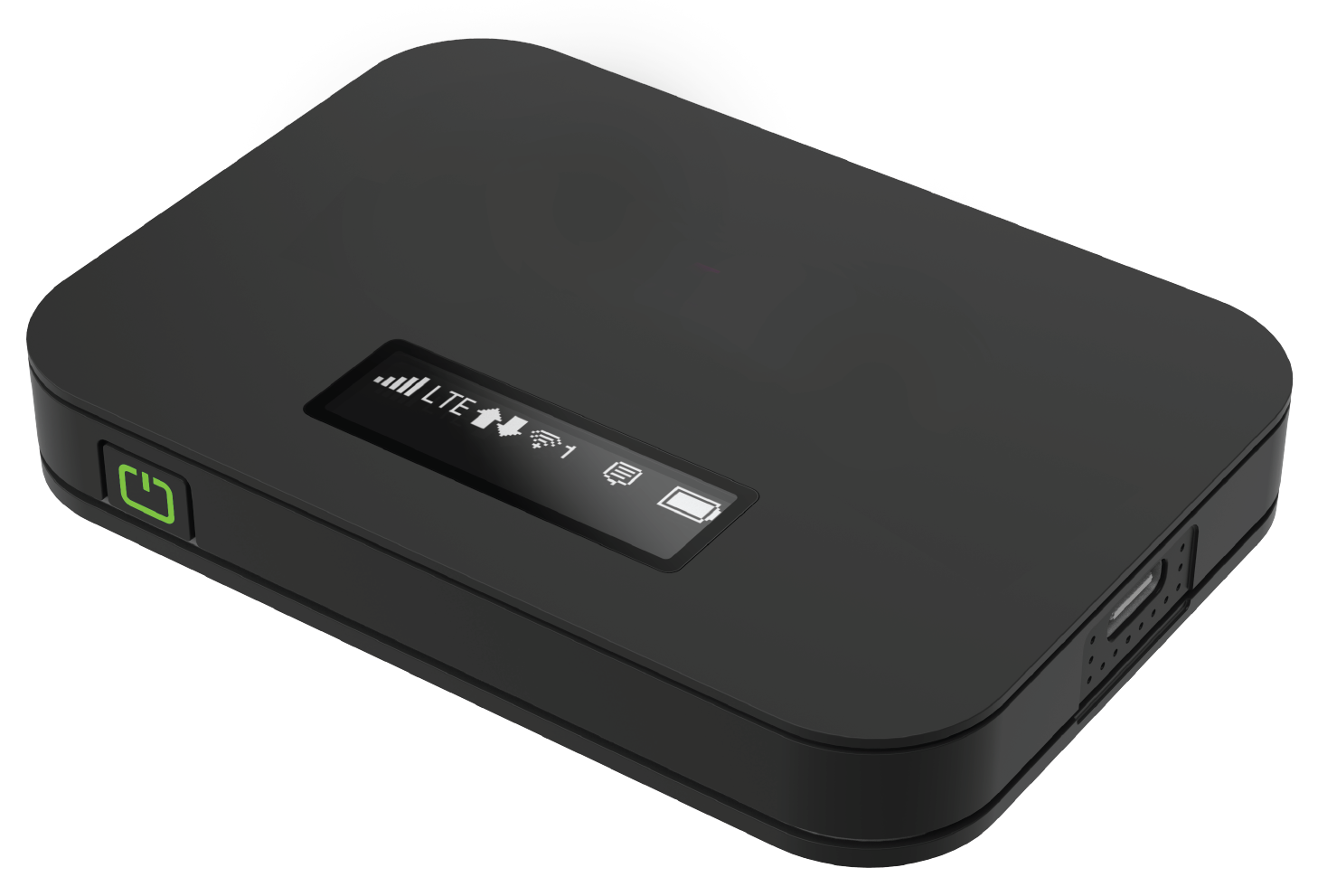
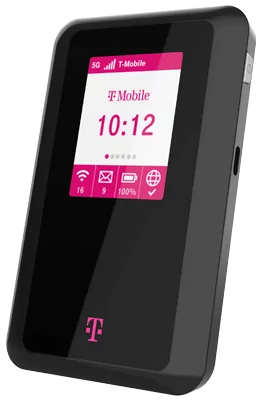
- The power switch is located on the side of the device.
- Simply turn on the device and give it a few moments to start.
- Use your phone, tablet, or PC to connect to the wireless signal.
- FROM YOUR COMPUTER: Click the Wireless Nework Connections icon in the bottom right corner of the desktop and then click “View Wireless Networks”.
- FROM YOUR MOBILE: Display wireless networks in the device settings.
- Network Name: Bexley Public Hotspot ##
- Password: BexleyRead#
- You can also find the Network Name by pressing the power button quickly once and find the Password by pressing it quickly twice.
- If you have any questions please contact us at 614-231-2793.